Readers like you help support Explaining Android. When you make a purchase using links on this site, I may earn an affiliate commission.
Running out of storage on Android is a persistent frustration, particularly when the culprit is a background system service rather than your own files. Recently, a specific service called Android AICore has been flagged by the community for consuming massive amounts of internal space, with some users reporting usage as high as 11GB.
For users on entry-level devices with only 128GB of storage, an 11GB background app is a critical issue. Google has finally provided a detailed explanation for this behavior, clarifying exactly why this inflation happens and how the system eventually resolves it.
What is AICore and Why Does it Need Space?
AICore is the dedicated system service responsible for running generative AI models directly on your device hardware. Most notably, it handles Gemini Nano, Google’s most efficient AI model built for on-device tasks.
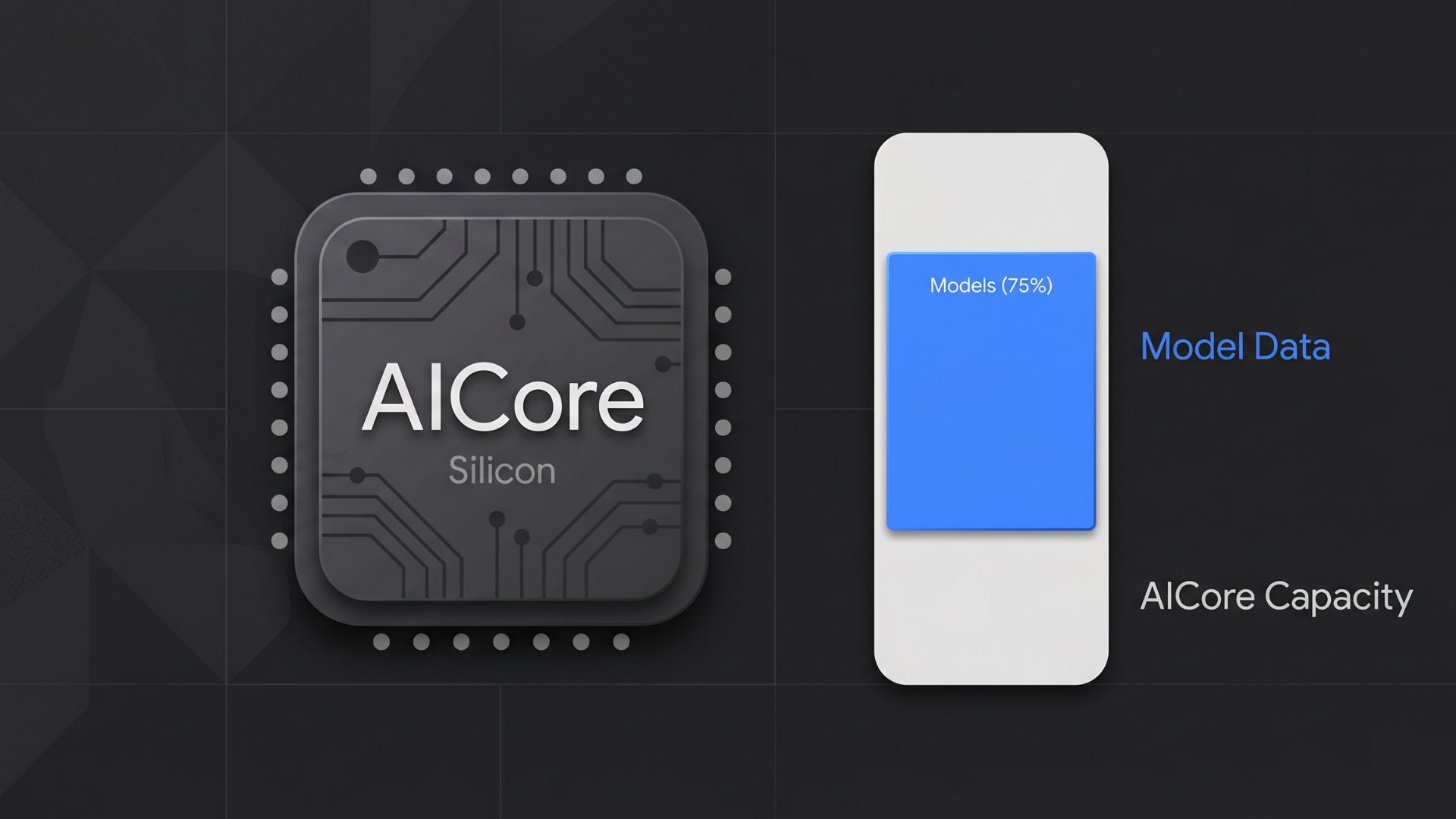
Because these models are processed locally rather than in the cloud, they require significant storage for the model weights and execution environment. However, the standard size of these models does not explain why some users see double-digit storage consumption while others do not.
The Reason for Storage Inflation: Background Updates
Google’s official support documentation reveals that the storage spike is a temporary side effect of the model update process. To ensure that your AI-powered features remain functional and stable, the system follows a specific protocol:
- Dual-Model Storage: When a new version of the AI model is downloaded, Android temporarily keeps both the old version and the new version on the internal storage.
- The Three-Day Window: Google states that the device may retain both versions for up to three days.
- Fail-Safe Mechanism: Keeping the older model acts as a backup. If the new update encounters a critical error or stability issue, the system can instantly revert to the previous version without forcing a massive re-download or breaking user features.
Once the system confirms the new update is stable after the trial period, it automatically deletes the redundant old version and restores your storage space.
Core Functions of the AICore Service
The reason Google prioritizes this local storage for AICore is to maintain user privacy and offline functionality. By processing data on the NPU (Neural Processing Unit) of your phone, the service enables several features without sending data to Google servers:
- Note Summarization: Generating bullet points and summaries in the Recorder or Keep apps.
- Smart Replies: Context-aware response suggestions in messaging apps.
- Notification Summaries: Condensed alerts to help manage notification fatigue.
Because these tasks happen on the device, your personal data remains private and the features work even without an active internet connection.
How to Manage AICore Storage Usage
In most cases, the best course of action is to wait 72 hours for the system to clean up the old model files automatically. However, if you are in a storage crisis or do not use these AI features, you can take manual control.
Option 1: Automatic Maintenance
Simply ensure your phone remains powered on and connected to Wi-Fi occasionally. The system will handle the deletion of the legacy model once the stability check is complete.
Option 2: Disabling AICore
If you prefer to reclaim those 11GB immediately and do not care about local AI summarization, you can disable the service. This will also potentially free up several gigabytes of RAM.
- Navigate to Settings.
- Go to Apps and select See all apps.
- Find AICore in the list.
- Select Disable (this will also clear the associated data).
Note that disabling this service will break features like Gemini Nano summarization and offline smart replies.
What is the highest storage usage you have seen from AICore on your device? Let us know in the comments below